
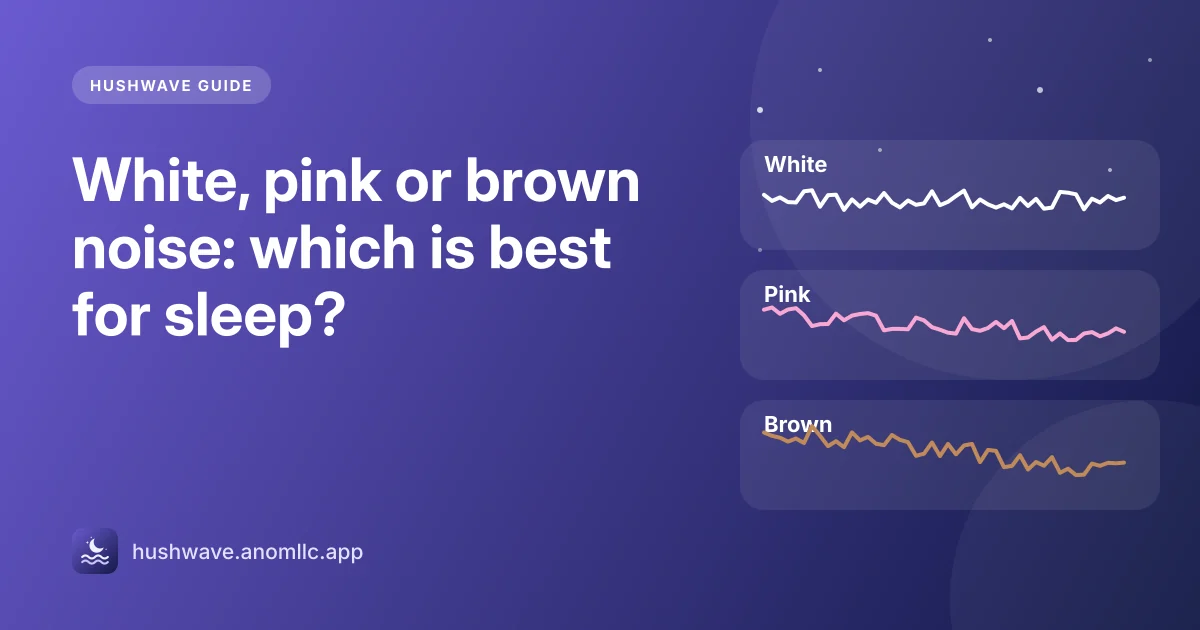
A steady sound helps many people sleep because it covers the sudden noises that catch your attention: a door, a car, a neighbor's TV. White, pink and brown noise are all steady hiss. The difference is how the sound is spread between low and high notes, and that changes how it feels to listen to all night.
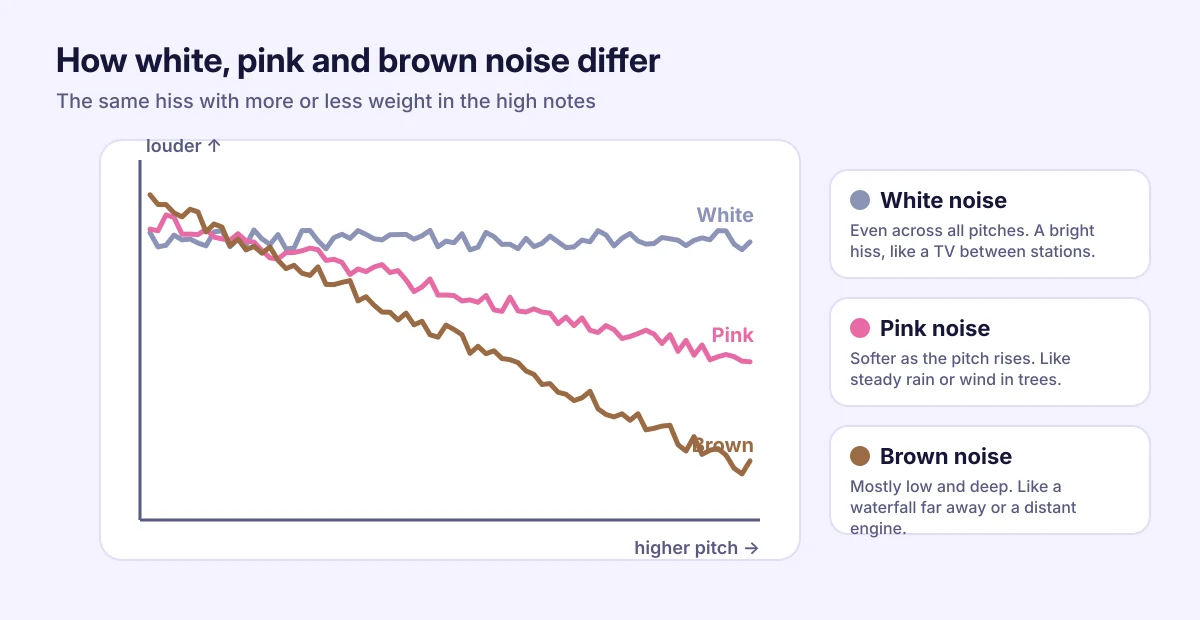
White noise: even and bright
White noise has the same energy at every pitch. Our ears hear that as a bright hiss, like a radio between stations or an air vent. It is very good at covering high sounds such as voices or a beeping device. Some people love it; others find it sharp after a while.
Pink noise: softer at the top
In pink noise the high notes are gentler, so it sounds fuller and more natural: like steady rain or wind moving through trees. Many people find it easier to listen to for a whole night than white noise. A few small studies have looked at pink noise and deep sleep, but the research is early, so think of it as a comfort choice rather than a treatment.
Brown noise: deep and low
Brown noise puts even more of its energy in the low notes. It sounds like a waterfall in the distance, strong wind or the hum inside a plane. It is popular with people who find white noise too harsh, and it is good at softening low rumbles such as traffic. (It is named after Brownian motion, not the color.)
Which one should you choose?
There is no single best noise. Comfort is what matters, because the sound only helps if you are happy to hear it every night.
- Voices or high sounds wake you up: try white or pink noise.
- You want something soft for the whole night: try pink or brown noise.
- Low traffic or a neighbor's bass bothers you: try brown noise.
- You prefer something that sounds like nature: rain, ocean or a fan work the same way and feel less technical.
Give each one two or three nights before you decide. Your brain needs a little time to stop noticing a new sound.
How loud should it be?
Quieter than you think. Turn it up only until the sounds you want to cover are blurred, and keep it well below the level of a normal conversation. If you use earbuds or headphones, turn it down further, because the sound is right next to your ears for hours.
For a baby's room, keep any sound source across the room rather than next to the crib, and keep it quiet.
If you don't need sound all night, use a sleep timer so it stops after you fall asleep.
How to try them in Hushwave
- Open the Sleep tab and scroll to Sleep sounds.
- Tap White noise, Pink noise or Brown noise. Tap it again to turn it off.
- To mix it with music, play a track, tap Sounds in the player and set each sound's volume.
- Tap Timer and choose 30, 45 or 60 minutes. With Fade out at the end on, the sound fades away over the last minute instead of stopping suddenly.
Hushwave makes these sounds live on your phone, so they never loop or repeat, and they work without internet.